 dodo
dodo
Where the records go.
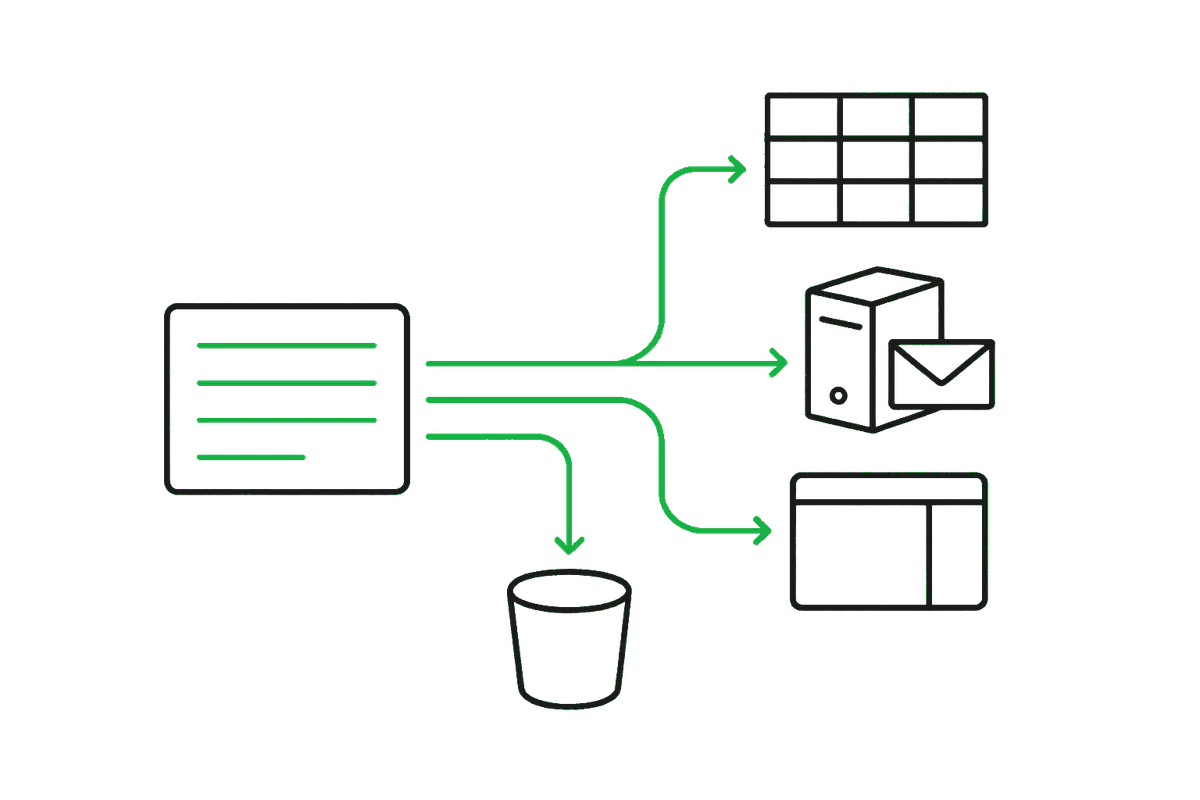
A scan is worth something only where the work happens. Dodo delivers in four shapes: a connector that pushes each record on as it is extracted, an API your software pulls from, an export you download, and a browser panel that types into a screen with no API at all. Pick per document — a profile can feed a spreadsheet while another feeds your ERP.
At a glance.
| Google Sheets | A row per record, in a spreadsheet Dodo creates in your own Drive. | Pro · set up in the app |
|---|---|---|
| Signed webhooks | An HMAC-signed POST to your endpoint the moment a record is ready, retried until it lands. | Pro · app + your endpoint |
| S3 sink | Records, and optionally the scan images, written into your own bucket. | Pro · set up in the app |
| CSV export | Whatever the current filters match, as one file. | Pro · one tap in the app |
| API and SDKs | Trigger scans and read records from your own software, or drop a scan button into your web app. | Free · an API key |
| Browser extension | Fill the ERP or portal form on the screen in front of an operator — no API needed on the other side. | Free · Chrome |
Connectors and CSV export are Pro features; the API and the extension work on the free plan. Claiming a Dodo scanner includes a year of Pro — see pricing.
Google Sheets.
The shortest distance between paper and something a team can work with. In the app: Settings → Connectors → Add → Google Sheets, connect the Google account, pick the document profile it should follow. Dodo creates the spreadsheet in your Drive and appends a row per completed record, columns fixed to the profile’s fields so the sheet stays machine-readable; line-item tables ride along in their own cell.
Dodo asks Google for access to the files it creates, and nothing else in your Drive. Disconnect from the app or from your Google account settings at any time.

Signed webhooks.
The general-purpose one: if a system can accept an HTTPS request, it can take Dodo records. Add a webhook connector with your endpoint, copy the signing secret it shows once, and verify the signature over the raw body before you trust a delivery. Any 2xx acknowledges; anything else is retried with exponential backoff, and every attempt is listed under the connector in the app, with a Test button that sends a harmless ping.
Headers, the signature scheme and a verification snippet are in the developer docs.

S3 sink.
For data teams and archives: Settings → Connectors → Add → S3, then endpoint, bucket, access key, secret and an optional key prefix. Each record is written as an object, and you can copy the scan image alongside it. Any S3-compatible store works, not only AWS. Credentials are held server-side and never shown back.

CSV export.
Sometimes the integration is a file. Filter the records list — by profile, device, status, or a search — and export exactly what you are looking at, flattened to columns. The same thing is one call against the API if you would rather schedule it.
API and SDKs.
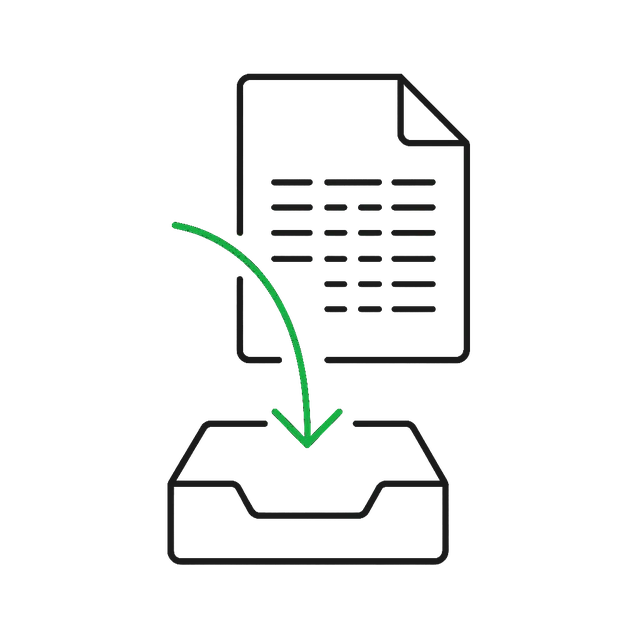
When your software should drive the scan rather than receive it: the
TypeScript SDK (npm i @hashteelab/dodo-scan) carries a
LAN client for the scanner in front of you, a cloud client for
records, profiles and remote triggers, and the webhook verifier. A
Python client covers the LAN path. Everything is plain HTTP+JSON
underneath, so any language works.
The SDK also ships an embeddable Scan with Dodo button: your server mints the session, the page holds no credential, and the record comes back to your app when the operator finishes scanning. Details, endpoints and the record shape: the developer docs.

Browser extension — for systems with no API.
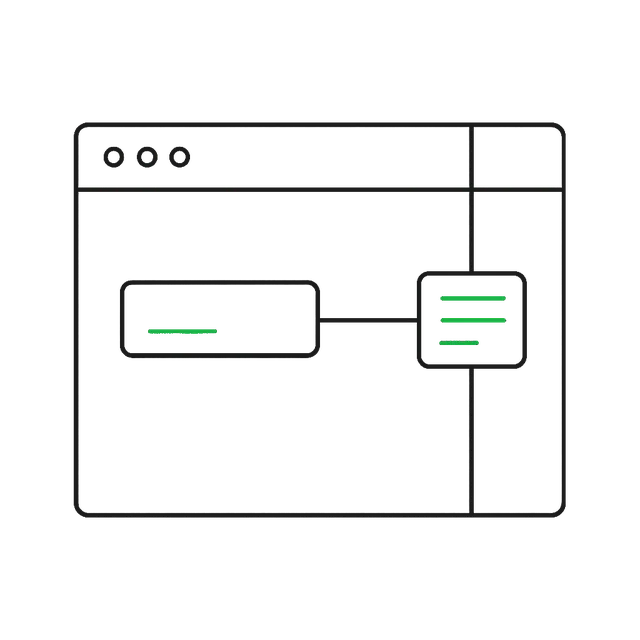
The screens that cost the most typing tend to be the ones you cannot integrate with: an old ERP, a distributor portal, a government filing form. Dodo Fill is a Chrome side panel that puts the latest scan beside that page, works out which value belongs in which field — locally, in the browser — and types the ones the operator approves. It never presses Submit. It needs nothing from the vendor on the other side, and it works on the free plan.
Not on the list?
Tally, Zoho Books, QuickBooks, SAP Business One and filing into Drive are the connectors we are building next, in the order customers ask for them. Until one lands, the same records reach those systems today through a webhook, an S3 sink or the extension — and if you tell us which system you are on, it moves up the list.