 dodo
dodo
Fill the form you’re already in.
The systems that cost the most typing are the ones with no API to integrate with — an old ERP screen, a distributor portal, a government filing form. They all have a web page. Dodo Fill puts your latest scan in a side panel next to that page, works out which value belongs in which field, and types the ones you approve. It never presses Submit. It is one of several ways records leave Dodo — the others are on the integrations page.
Free · Chrome 116 or newer, on a computer · needs a Dodo account and the Dodo Scan app to link.
Four steps, about two minutes.
-
Install
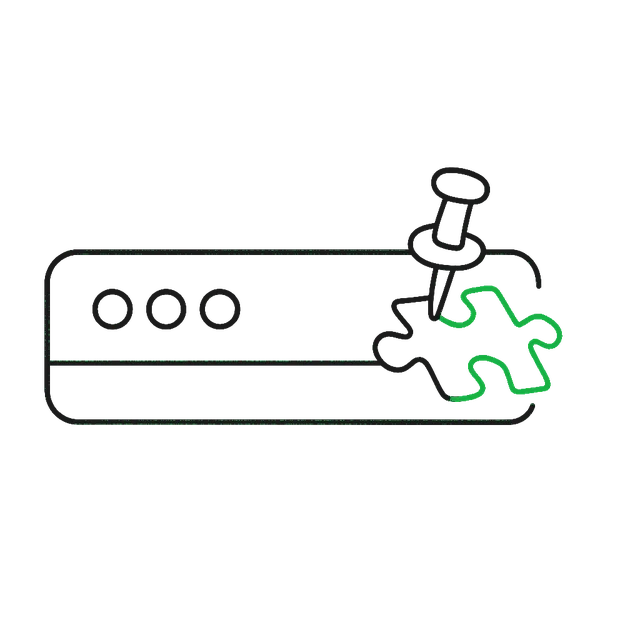
Add Dodo Fill from the Chrome Web Store, then pin it so the icon stays in the toolbar.
-
Link
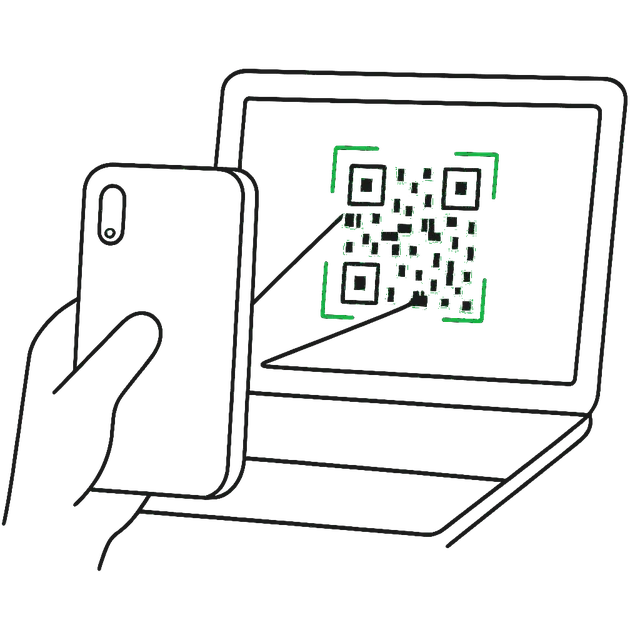
Open the panel, choose Settings, and scan the QR with the Dodo Scan app. The browser gets a scoped session, not your key.
-
Scan
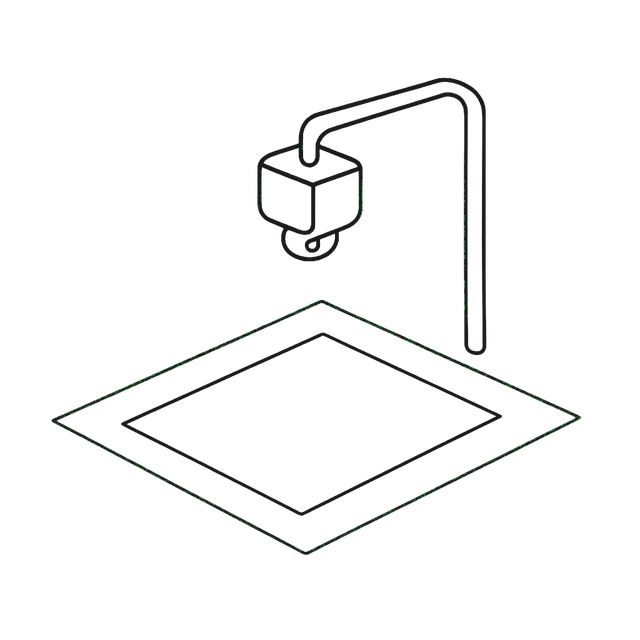
Scan the document on your Dodo or in the app. It appears in the panel the moment it is extracted.
-
Fill
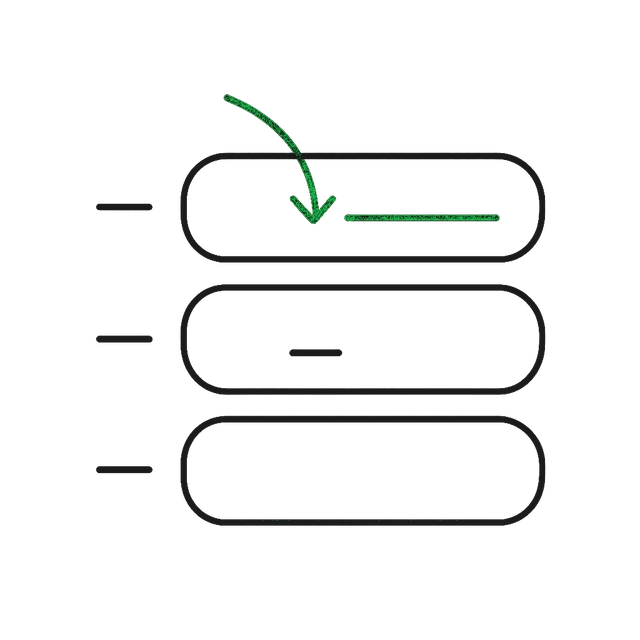
On the form, click Match this page, untick anything you disagree with, and click Fill selected.
Before you start.
| Browser | Google Chrome 116 or newer, on Windows, macOS or Linux. | the side panel is a desktop feature |
|---|---|---|
| Account | A Dodo account. The free plan works with nothing but a phone — see pricing. | records come from your own account |
| App | The Dodo Scan app on Android — it approves the link and can be the camera. | linking is scan-the-QR, not type-a-password |
| Scanner | Optional. A Dodo appliance scans faster and hands-free; the phone camera does the same job for a pilot. | order a Dodo |
Link the browser to your account.
Open the panel from the toolbar icon (or press Alt+Shift+D), click Settings, then Link with the Dodo app. A QR appears and refreshes itself every few seconds — scan whichever one is showing. In the app: Settings → Linked browsers → point the camera at it.
| What it gets | A session limited to reading your records, requesting scans and the fill endpoints — never your account API key. | a stale QR is worth nothing |
|---|---|---|
| Revoke | App → Settings → Linked browsers → end that browser’s session, or Unlink all. | rotating your API key ends every session too |
| Per browser | Link each machine once. The list in the app shows what is linked and when. | the linked-devices idiom you already know |
Match the page, fill what you approve.
With the ERP or portal open and the panel beside it, click
Match this page. The first time you do that on a
site, Chrome asks whether Dodo Fill may access that site —
approved once, remembered, revocable at
chrome://extensions. Nothing runs on sites you never ask
about.
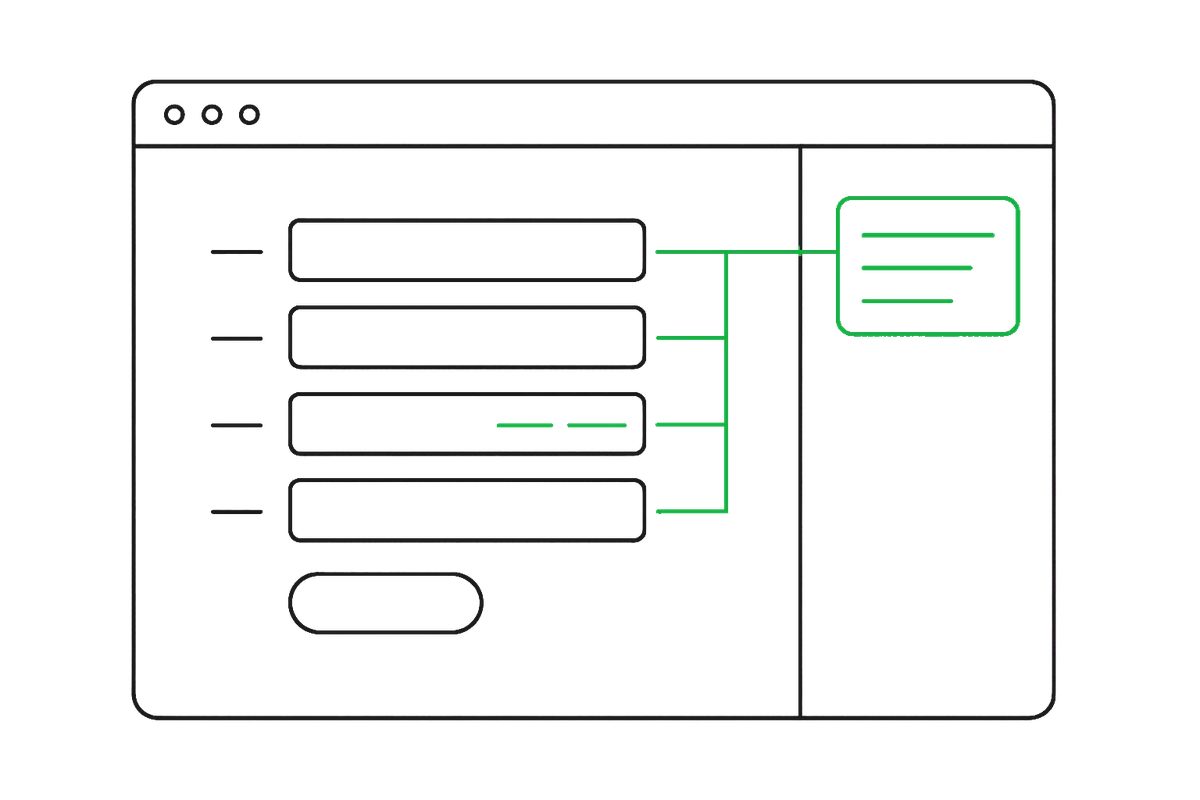
The panel lists each proposed pair — record value into form field — with a checkbox. Pairs you have confirmed on this form before come back badged saved and are replayed exactly, so the second invoice is faster than the first. Untick what you disagree with, click Fill selected, then read the form and submit it yourself. Dodo assists the typing; the transaction stays yours.
Or let the form ask for the scan.
The other direction, for a form you have never filled before: click Scan for this form. Dodo Fill reads the form’s field labels, turns them into a capture profile, and sends the request to your phone — the app shows it as a pending scan. Photograph the document there and the record comes back already mapped to that form’s fields, with no guessing at all.
What leaves the machine.
An ERP screen holds customer, pricing and staff data that is none of our business. So the matching runs in your browser, not in our cloud.
| Page content | Never sent anywhere. Not the values, not the DOM, not the URL. | matching is local code |
|---|---|---|
| Field labels | Only if you switch on cloud-assisted mapping for unfamiliar forms — labels and types, never what is typed in them. | off by default |
| Your records | Travel from your Dodo account to the panel over an encrypted connection to api.getdodo.in. | the same records the app shows |
| Site access | Granted per site, by you, at the moment you first Match there. | no blanket access to your browsing |
The full account is in the privacy policy.
What it does not do yet.
Worth knowing before you plan a rollout:
- Line-item grids are shown, not filled. A purchase invoice’s rows are captured into the record and displayed in the panel; typing them into a repeating row grid is the next piece of work.
- Fields inside an iframe are out of reach — the extension works on the top frame of the page only.
- Custom dropdowns need an ARIA contract. Standard selects and accessible comboboxes fill; a bespoke widget with no accessibility markup is invisible to it (and to screen readers).
- Remembered mappings live in that browser, not in your account — a second machine learns the form again.
- Chrome only, for now. Chrome blocks all extensions
on
chrome://pages and on the Web Store itself.
For the IT team.
| Network | api.getdodo.in over HTTPS and a WebSocket, and
nothing else. No analytics, no third-party endpoints.
| allowlist one host |
|---|---|---|
| Site access | Requested per origin at first use, not declared for all sites at install. | audit it at chrome://extensions |
| Credential | A scoped, revocable session issued by QR from a signed-in app — no shared key to distribute or rotate on staff turnover. | revoked from the phone |
| Submit | The extension fills fields and stops. A person reads the screen and commits the transaction. | the approval trail stays human |
Piloting across a team, or want it in a managed-install policy? Write to hello@getdodo.in.
If something looks wrong.
| “Link with the Dodo app to start” | The browser is not linked yet — Settings, then scan the QR. | step 2.0 |
|---|---|---|
| “Sign-in rejected” | The session was revoked from the app, or your account key was rotated. Link again. | expected after a password change |
| Match does nothing | Chrome needs access to that site — approve the prompt on the first Match. Pages inside an iframe stay out of reach. | per-site by design |
| No scan in the panel | Reopening the panel pulls your newest completed record. If it is still empty, check the scan finished in the app. | records are never lost — they are in your account |
| A field filled wrong | Correct it on the form, and correct the record in the app so the next one learns from it. | corrections are kept per field |
Still stuck? hello@getdodo.in — tell us the site and roughly when it happened, and an engineer picks it up. Building your own integration instead? The developer docs cover the APIs, webhooks and SDKs.